Recurring Requests: monthly patterns, quarterly, chosen weekdays and closed days
Version 3.5.0 lets a repeating request follow the calendar people actually use: the first Monday, the second working day, every quarter, or Mondays and Thursdays.
In short
- Monthly patterns: the first Monday, the 2nd working day, the last day of the month.
- Quarterly, and weekly on chosen days, such as Monday and Thursday.
- Before saving, the form lists the next dates.
- Project admins set the desk’s closed days; a run due on one moves to the next open day or is skipped.
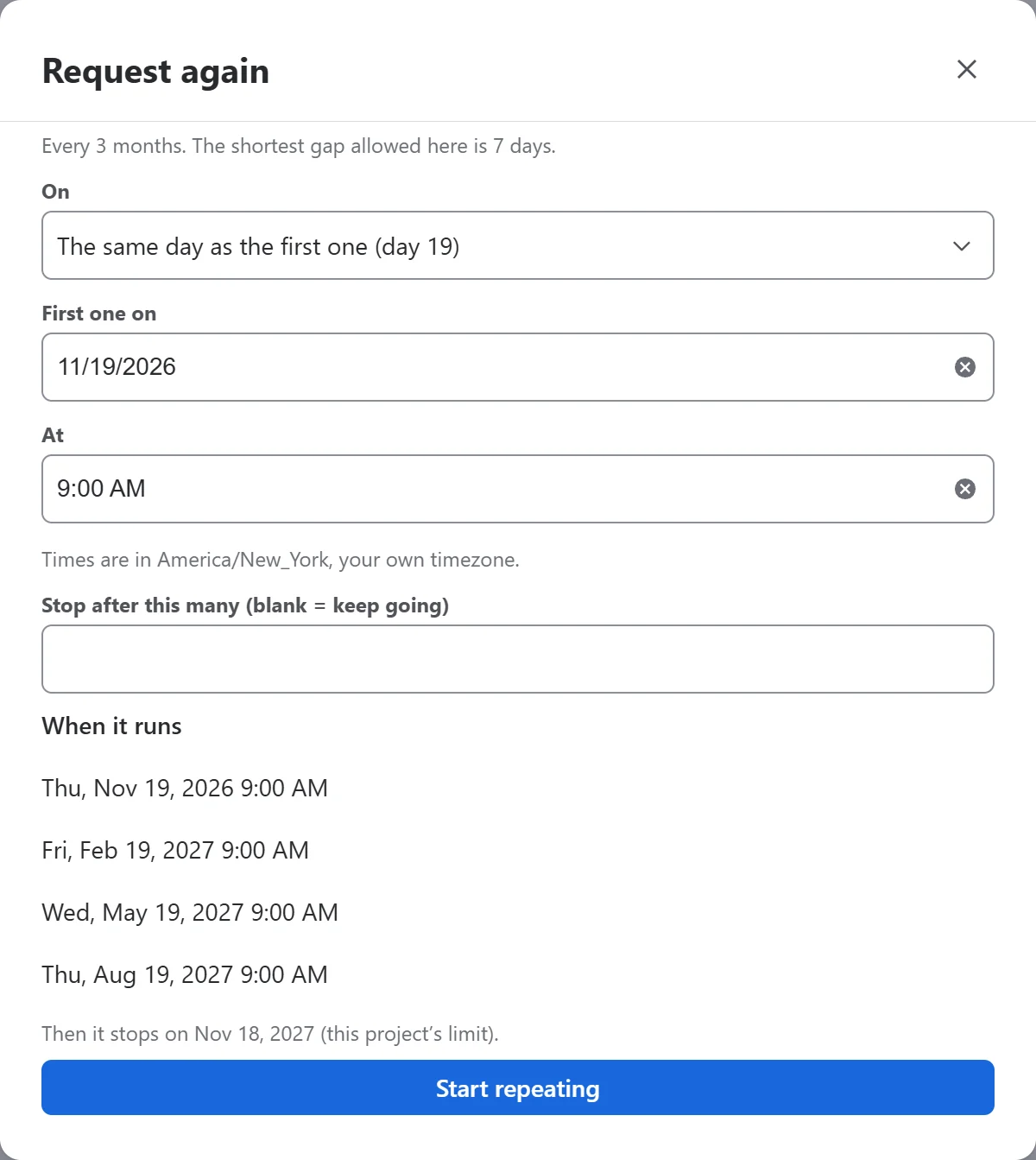
Monthly patterns and quarterly
Monthly schedules can follow a pattern, such as the first Monday, the 2nd working day or the last day of the month, every month or every few months. How often adds Quarterly (every 3 months); the other choices are unchanged. Schedule cards name the pattern, such as “First Monday of every month”.
Chosen weekdays
Weekly schedules can run on chosen days, such as Monday and Thursday, where the project’s shortest gap allows it. While scheduling is off, Getting started also offers to turn it on with a shortest gap of 1 day, which chosen weekdays need. The default stays 7 days.
The next dates, before you save
Before you save, the form lists the next dates, any moved or skipped for a closed day, and when the schedule stops.
Closed days
Project admins can set the desk’s closed days. A run due on one moves to the next open day, Monday to Friday, or is skipped if the admin chooses; no run moves earlier. Saving closed days moves the next runs they touch, and raises nothing.
No new permissions, and nothing leaves Atlassian.
Read more
Source: the release notes for each version on the Recurring Requests & Templates for Jira Service Management listing on the Atlassian Marketplace.