Undo a mistake
There are four ways back, from the smallest to the largest.
- While you type, Ctrl+Z (Cmd+Z on a Mac) undoes your last change.
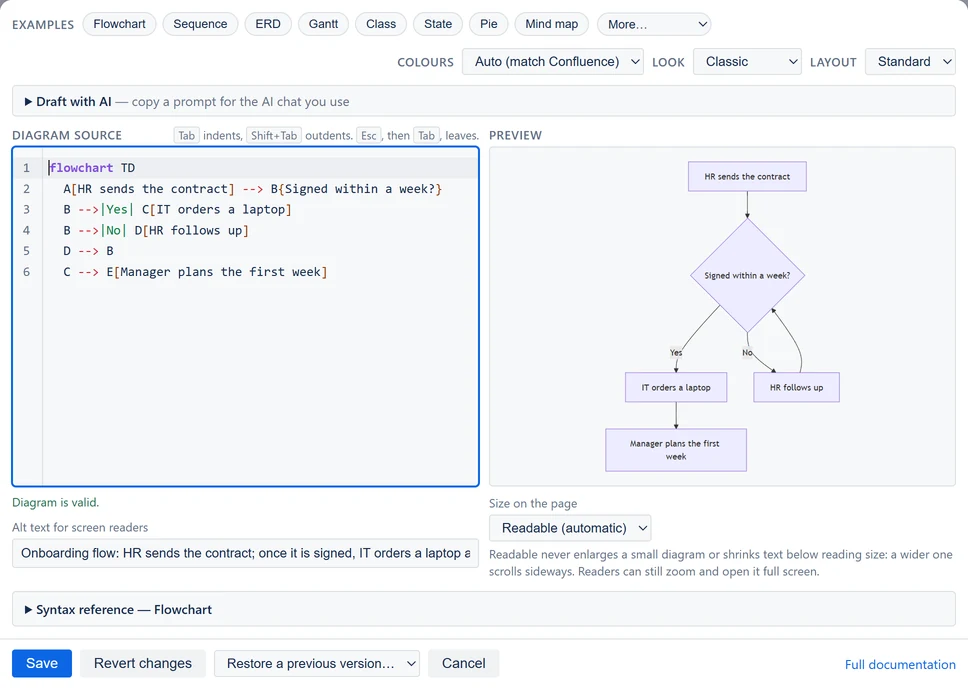
- Revert changes puts the text back the way it was when you opened the editor. It is grayed out until you change something.
- Restore a previous version… goes back further. It appears once you have changed a saved diagram and saved it again.
- Cancel closes the editor without saving. On a diagram you have just inserted, it also removes the diagram.
Restore a previous version… lists up to five earlier versions of the text. Each shows its age and first line, such as "2 min ago — flowchart TD".
Choosing one loads that text into the editor. The page does not change until you select Save. Only the text comes back, not the colors or the alt text.
For the whole page, use Confluence's Version history, under More actions (•••).